Style the plate before you hit record.
Take a test shot of the plate on set. Plate Artists uses AI to restyle the same dish, from the same angle and crop, with 3 to 5 moves to make before you film. Then rebuild the real plate and shoot it.
Free account · 1 free enhancement · No credit card


The photos on this page are AI-generated illustrations.
Great food, flat frame
The recipe works. The trouble shows up on the monitor: the plate gives the camera nowhere to land, and there's no time to fix it by trial and error.
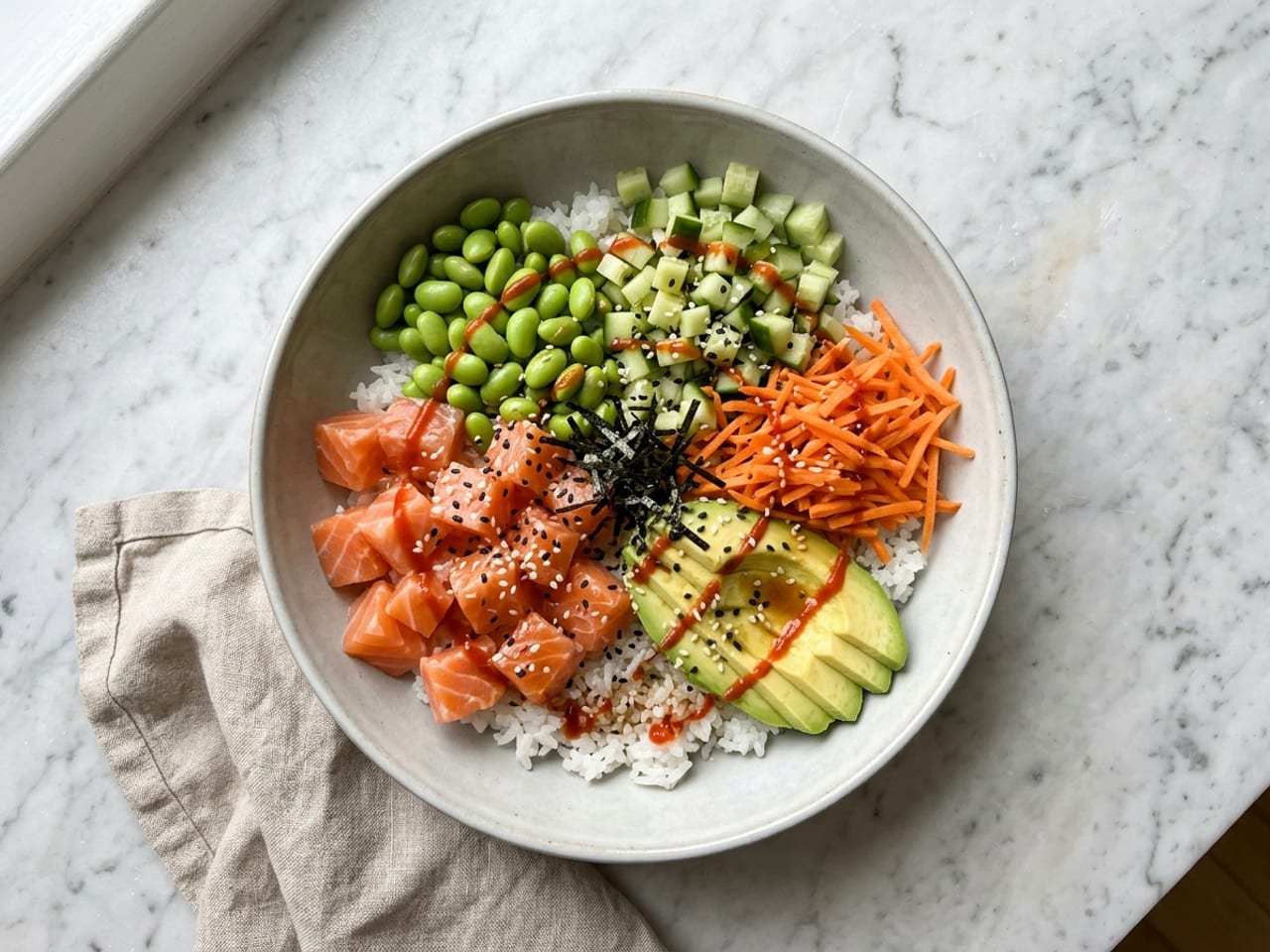
The frame has no focal point
Rice, fish and vegetables in even, flat wedges. Delicious in person, forgettable in a thumbnail, because nothing has height, contrast or a clean edge for the eye to catch.
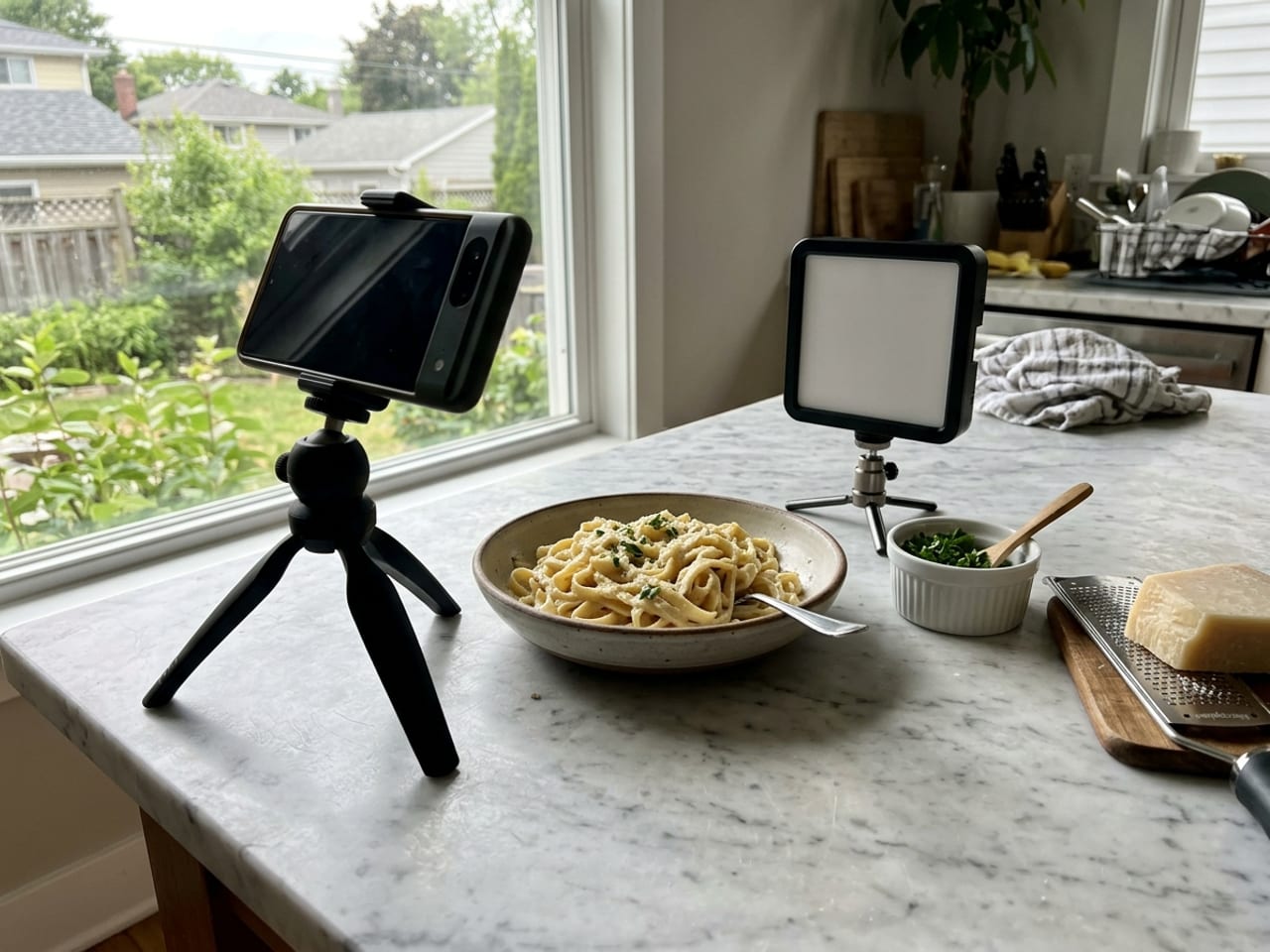
Restyling by eye eats the shoot
You're cooking, lighting, filming and resetting at once. Every blind re-plate costs food that's cooling and light that's moving, so the first arrangement usually ships.
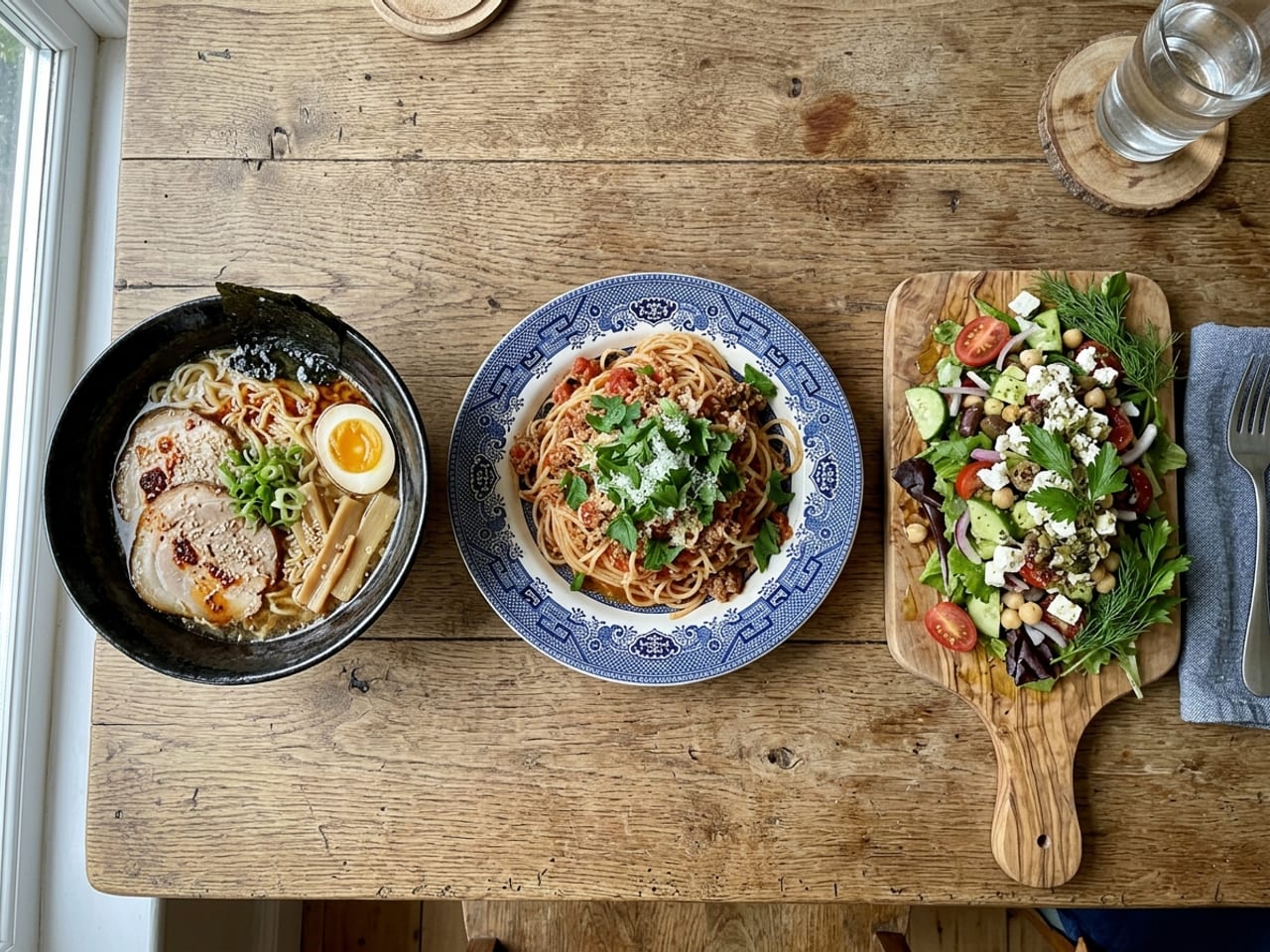
No two posts look like the same cook
Dark bowl one week, patterned plate the next, garnish shaken over the top. No single dish is wrong, but the grid has no signature, so nothing says it's yours at a glance.
What it gives you between takes
A styling target built from the plate in front of you, a punch list for the reset, and a way to try plates you don't own yet.
A target built from your own dish
Upload a still and the AI restyles the same food: arrangement, garnish, plate and light. Your angle and crop stay put, so the render works as a shot plan for the plate you're about to rebuild.
See what the camera will notice
Before and after line up frame for frame, so the changes are obvious: height in the noodles, a sauce pool that reads, garnish placed instead of scattered, a clean rim.
A punch list for the reset
Every result comes with 3 to 5 plain-language moves. Run them on the real plate before you roll again, instead of guessing between takes.
Test plates you don't own
Try the dish on four ceramic plate shapes in any of ten glazes, or on a slate board, or let Chef's choice pick one and explain why. Trying a saved dish on another plate takes one credit, and switching back to one you've tried is free.
A storyboard for plating clips
The Steps tool turns one photo into a 4-frame illustrated build, from a nearly empty plate to the finished dish, each frame captioned. Plan your plating video around it, or share it as an unlisted link.
Room for a batch day
Plans include 30 enhancements a month, and top-ups are $1 for 3 if a batch day runs long. A render that fails refunds its credit automatically.
Test shot, target, rebuild
It fits in the gap between your first test frame and the real take.
- 1
Take a test shot
One still of the plated dish in the light you're already using. No second setup.
- 2
Get the target and the moves
The restyled plate next to yours, frame for frame, with 3 to 5 moves. Wrong plate? Re-plate the saved dish onto another library plate for one credit.
- 3
Rebuild the plate and shoot it
Reset the real food using the steps, then film and photograph that. The render stays in your private gallery as the reference.
What you take back to the set
A target for this take, plus moves and plates you can reuse on the next dish.
- Fewer blind re-platesYou walk back to the set with a picture of the goal and a short list of moves, not a vague feeling that something's off.
- A look you can repeatSame plate family, same kinds of moves, dish after dish. That's how a feed starts to look like one person made it.
- Plates chosen on purposeYou've seen the dish on a white coupe, on slate and in a dark bowl before you pack or buy anything.
- Reference files you can keepEvery before/after downloads as a JPG or a PDF with the numbered steps, and lives in your private gallery instead of your camera roll.
Free guides for the craft side
The styling and lighting basics we'd hand any food creator. No account needed.
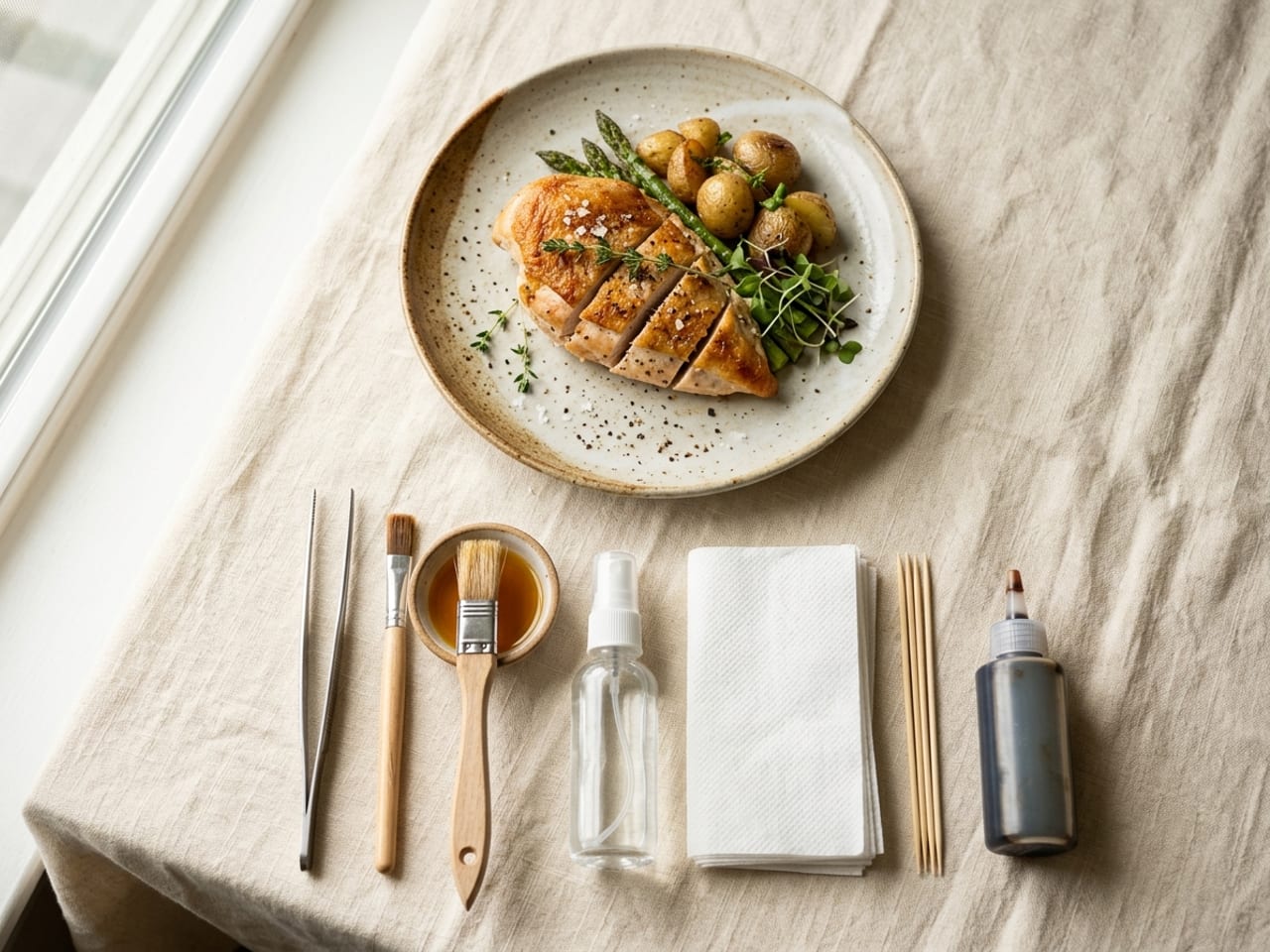
Food styling
The edible tricks that keep real food looking fresh, glossy and alive on camera, and the advertising tricks to skip.
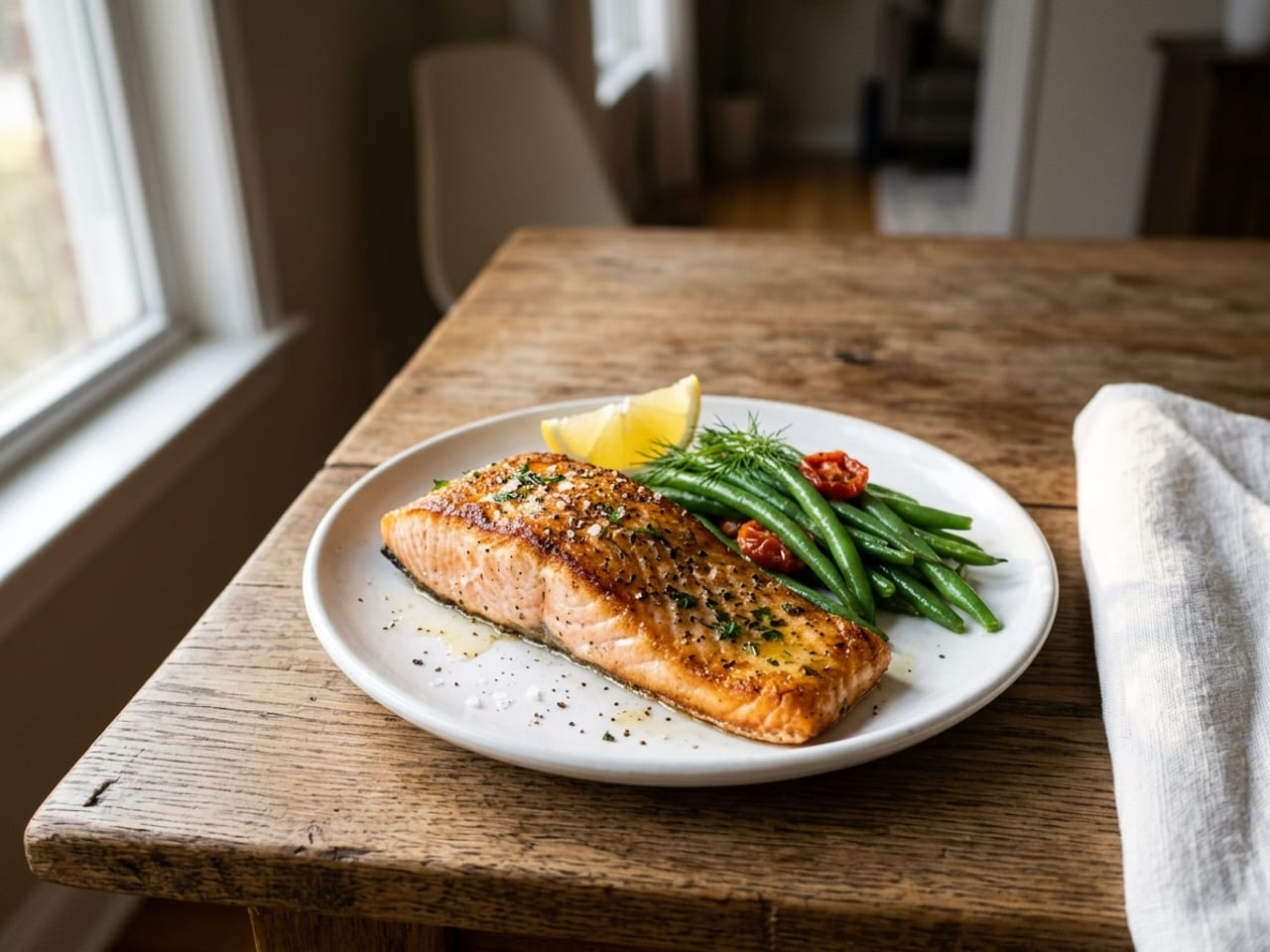
Food photography lighting
Where to put the light, what to do after dark, the angle for each dish and the phone settings, with the sources named.
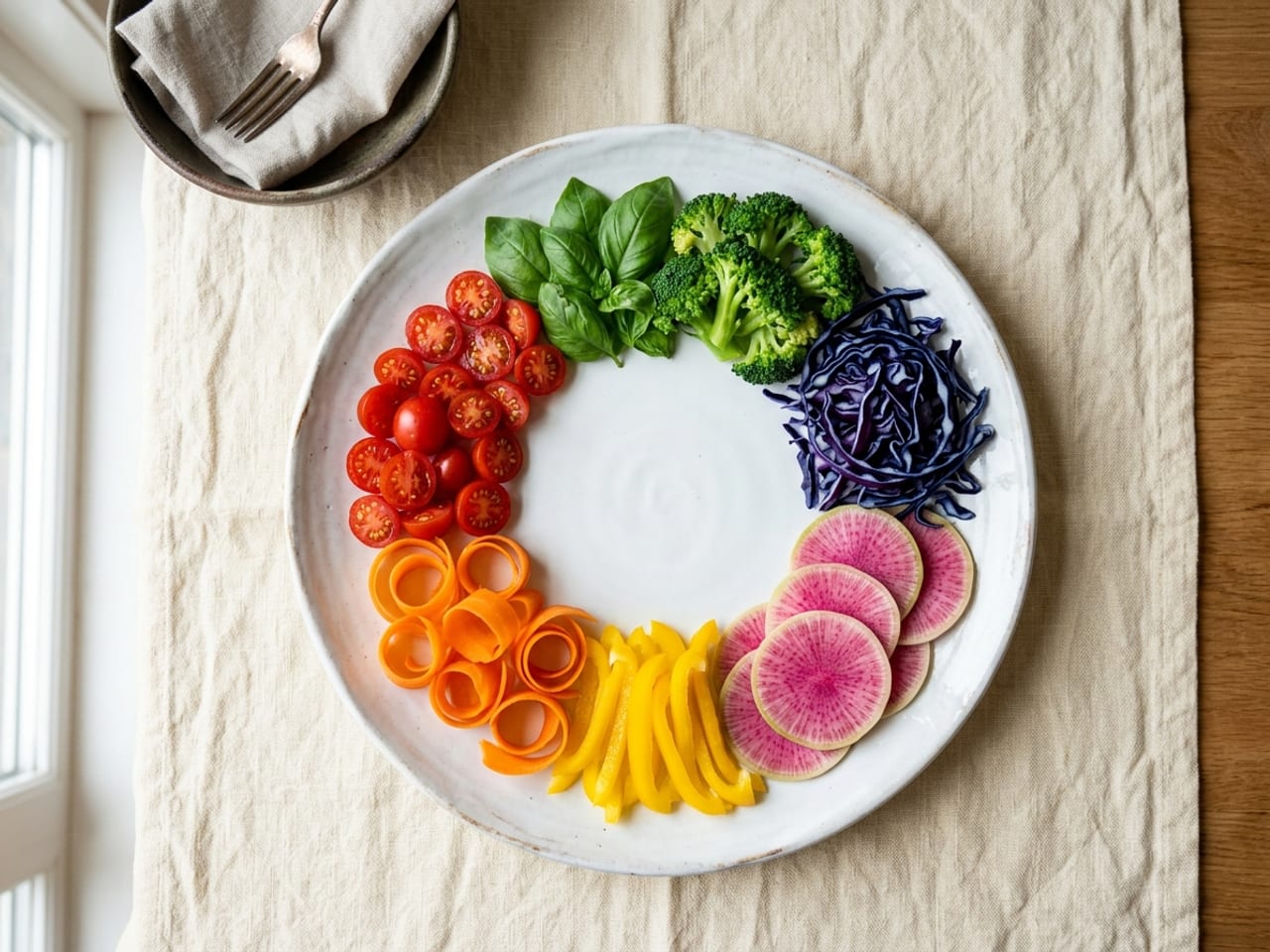
Color on the plate
The food color wheel, complementary contrast, the 60-30-10 rule, and what the plate color does to the shot.
Questions, answered
Is this an AI filter? Can I post the render?
The “after” is an AI render of your dish, not a photo of a plate you cooked, so treat it as a styling reference: rebuild the real plate with the steps and post that. If you do share a render itself, say it's an AI plating study so your audience knows what they're looking at.
Will it change the food?
No. It keeps your dish, angle and crop and restyles only the plating, garnish, plate and lighting, so the target stays reachable with the food you actually made.
Can it help me build a consistent look?
It helps you choose one. Settle on a library plate and a handful of moves you like, and repeat them across dishes. There's no brand kit or automatic grid matching: the consistency comes from you repeating what works.
How many dishes can I run on a batch day?
Plans include 30 enhancements a month, and top-ups are $1 for 3 whenever you need more. A step-by-step tutorial uses one credit, the same as an enhancement.
What does it cost?
Create a free account and get 1 free enhancement, no card. Plans are $9.99 a month or $69.99 a year (under $6 a month), excluding VAT where applicable. The guides, recipes and free tools need no account at all.
Style the next plate before you film it
Upload a test shot, get the target and the moves, then shoot the real thing. 1 free enhancement, no card.
Start free · 1 enhancement →Not quite you?
For home cooks
Make the dinner you already cook look as good as it tastes.
For restaurants
A plating card the whole line can cook to.